2 Replies
Posted by RYAN ISAACover 2 years ago
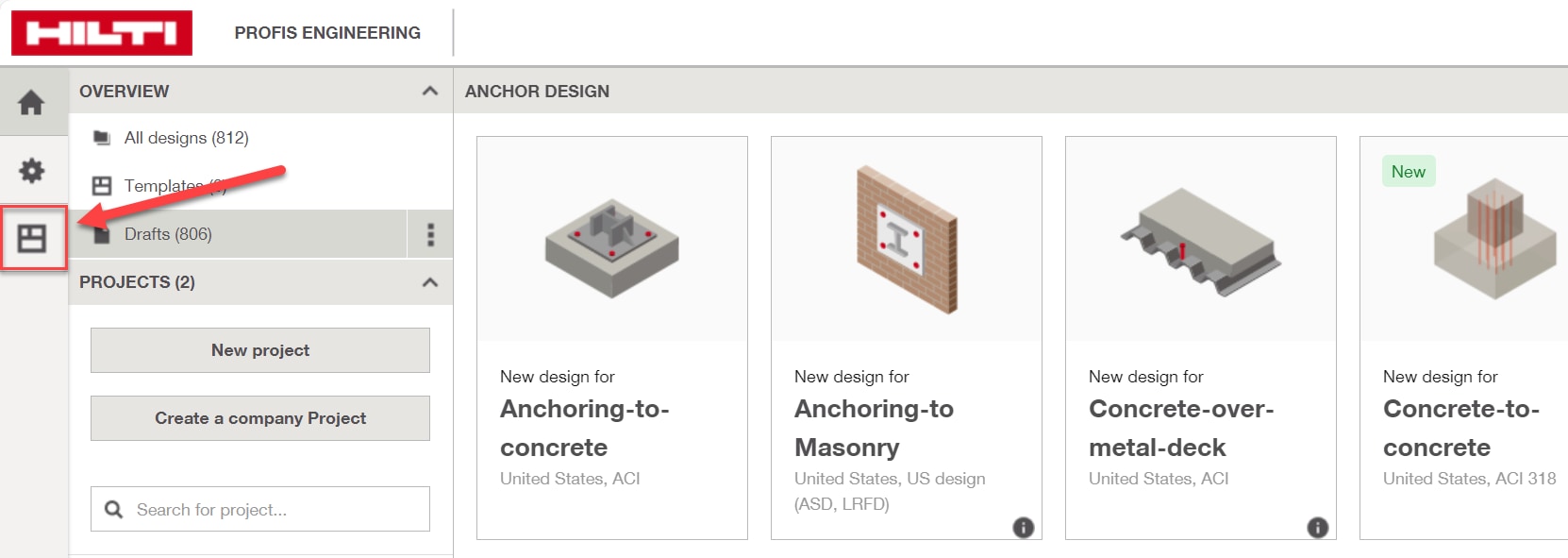
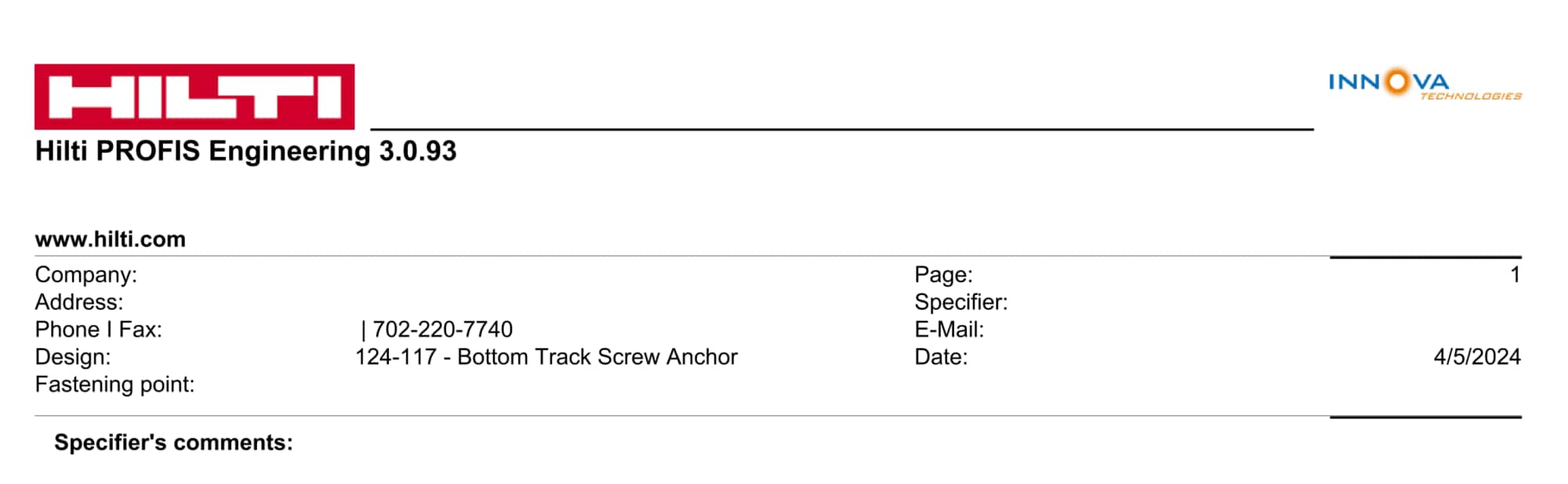
Answering my own question for anyone else who needs it. When you click "generate report" at top-right, you have to click "Default" on the "Layout" drop-down list option. Any way to make this default...default?
Posted by Matthew Fordover 2 years ago
Hi Ryan,
Default company details may be saved in the "Report Templates" menu on the PROFIS Engineering home screen. Information saved in this menu will automatically populate when generating a report with the default layout.
For additional troubleshooting assistance, please reach out to hnatechnicalservices@hilti.com or give us a call at 877-749-6337.
Regards,
Matthew