
I'm trying to provide a design for KB1 or KB3 anchors through the PROFIS program but I can't seem to find them as options in the design. I unchecked the "cracked concrete" box. Are there other typical criteria that excludes them from design or are they not part of the PROFIS design program?
Hi Mark,
If you select ACI 318-11, ACI 318-14 or ACI 318-19, the KB1 will show up as an option in Profis Engineering. The KB3 can be found between the HSL4-SK and the HDI-P TZ (see image below) when the “cracked concrete” box is unchecked. If you have the “cracked concrete” box unchecked and have the corresponding edition of ACI 318 selected, but the anchors are still not appearing, please email your “.pe” file to hnatechnicalservices@hilti.com. 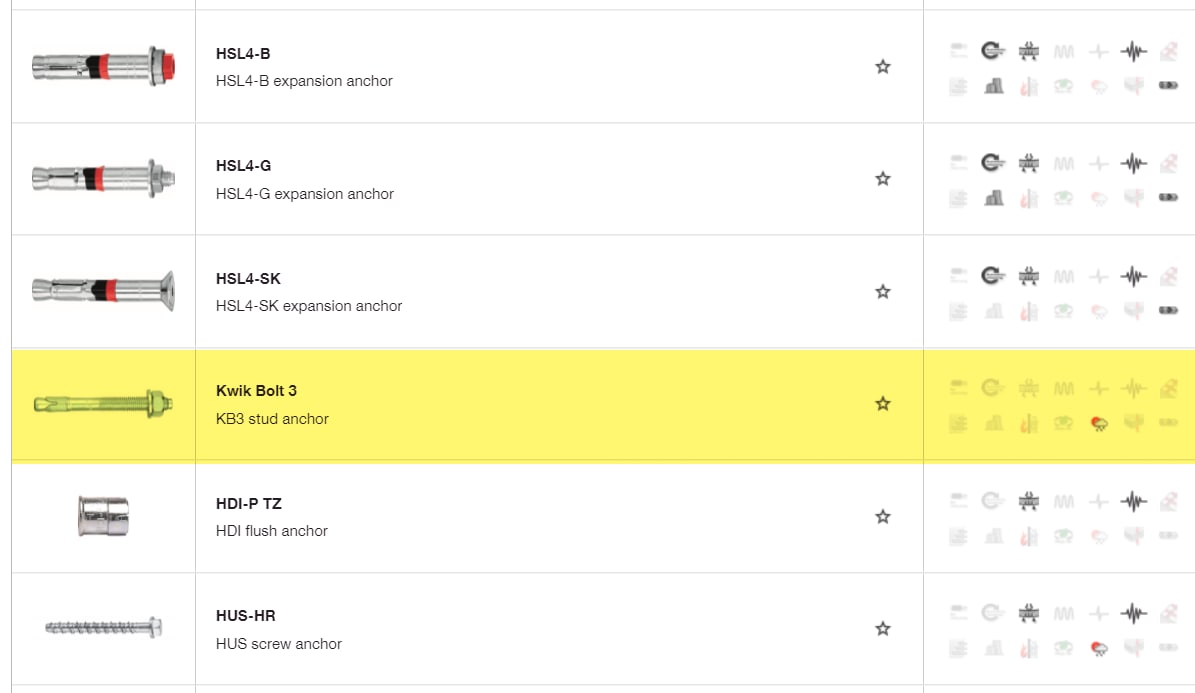
Regards,
Ashley