1 Reply
Posted by Ashley Couronabout 4 years ago
Hi Dion,
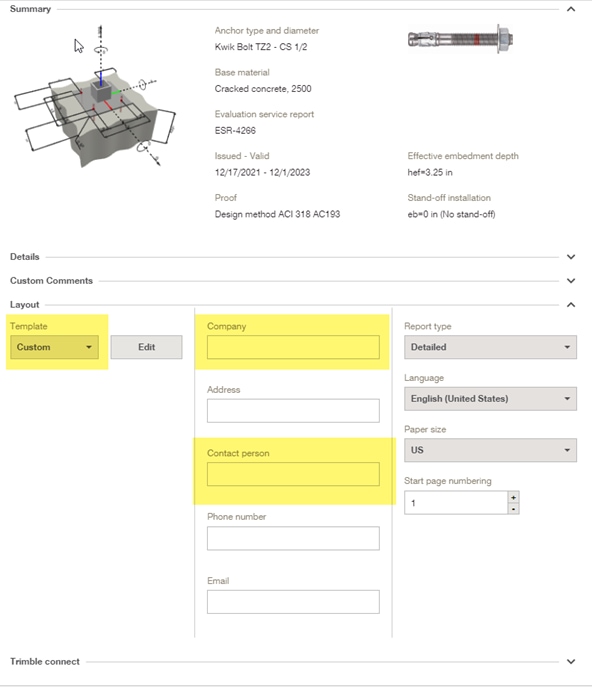
You are able to change the company name and contact person under the “Layout” tab once you select “Create report” in your design. Currently, PROFIS Engineering is a web-based software and is unable to be downloaded as an application.
Regards,
Ashley