
When installing the MSI for a Hilti plug in that works with Click2CAD, the installation fails. We've already given full admin access to that folder and to the appdata temp folder, including (for the time being) an asterisk wildcard in the temp folder. Where else would this software attempt to install that could be blocked?
Hello,
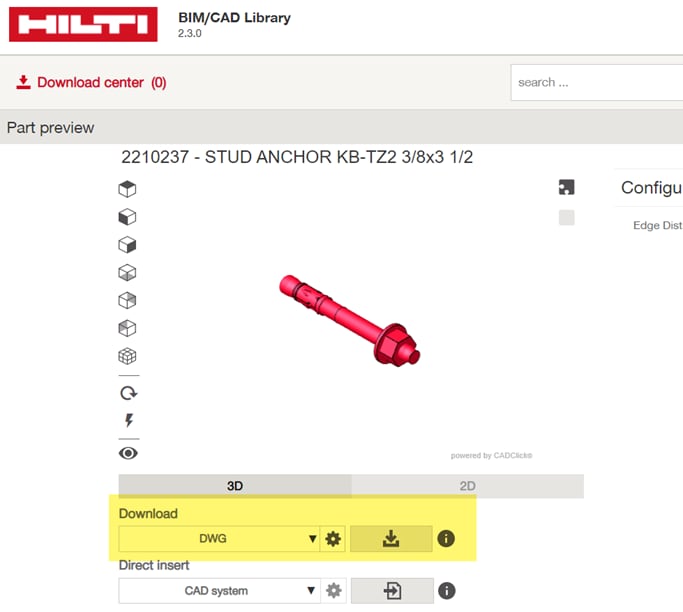
The current work around for this issue is to download the file directly from the BIM/CAD library to your computer and then drag the file into Revit.
Regards,
Ashley
Hello,
In order to download the file to your computer, you must select a “Format” under the Download option, highlighted in the attached image. Then you will be able to select the download option. For further assistance, please email us at hnatechnicalservices@hilti.com.
Regards,
Ashley
Is there a fix for this? Hilti Add-In for Revit will not install. I'm getting the same error.