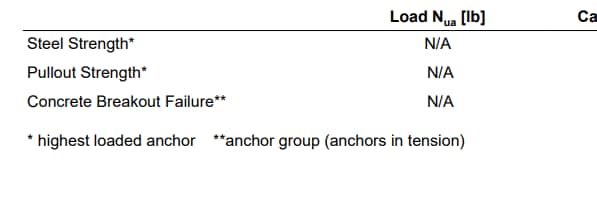
I am a structural engineer trying to design a connection with (2) concrete screw anchors into a concrete stem wall (Hilti Kwik Hus EZ). Obviously, the edge distance is a critical part of the design and with 1-1/2" edge distance, the concrete edge failure is controlling the design. It looks like the load applied (Vua) for this check is the entire/full shear load inputted. Under the "shear load" report section of the output there is a double asterisk that indicates "anchor group (relevant anchors)." Can you explain what this double asterisk means?
Furthermore, comparing the similar conditions with Simpson's Anchor Designer, Simpson appears to be SPLITTING the shear load equally among the 2 fasteners and then comparing the (halved) value to the phiVn design strength for the concrete breakout. This is essentially resulting in double the capacity of the connection compared to the results from Profis.
Can you explain why the Vua value in Profis is the full shear load when there are (2) fasteners? Can this shear value be assumed to be split evenly among both anchors?
Hi Matt,
Hilti takes this conservative approach on shear due to the size of the base plate hole and not being able to guarantee that the plate will be bearing on both anchors evenly (distributing the shear load evenly.) Therefore, Hilti conservatively assumes one anchor will take all of the shear load in the event the plate is only bearing on one of the anchors. While this isn't ideal, Hilti uses conservative assumptions like this one due to a wide variety of backgrounds of people using the software.
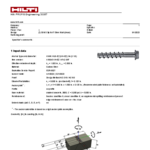
The definition of the asterisks is what you highlighted in the report (see attachment). Whether it is based on the highest loaded anchor*, or the anchor group**.
Regards,
Dani